Guide · 25 min read
Build an uncensored Discord bot
Accept a slash command and return a CDN still. Polling works without a public HTTPS server.
Register a slash command with an image attachment. Defer the reply, ingest the Discord CDN URL with POST /v2/files, then client.run(). Discord attachment URLs can expire, so do not pass them raw if the job may wait.
client.run() waits until the job completes. Sandbox keys return example media so you can wire followUp without spending. Add webhook_url only if this bot already has a public HTTPS endpoint.
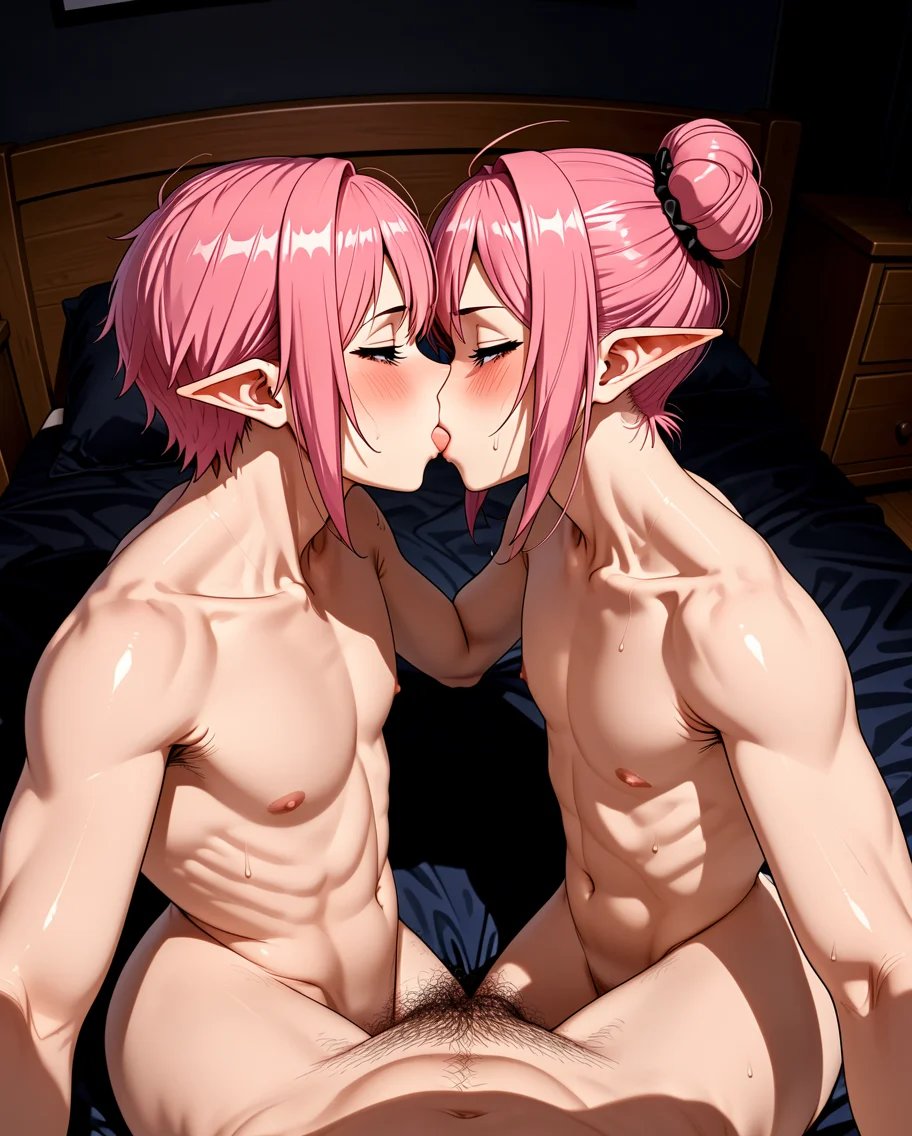
A command that takes an image and replies with a generated still.
Steps
- 1
Register a slash command that takes an image attachment.
- 2
Defer the reply, then ingest the attachment with POST /v2/files.
- 3
Run goonify/cnidia with the uploaded url.
- 4
followUp with the CDN result.
Install the SDK
pip install "goonify @ git+https://github.com/Goonify/goonify.git#subdirectory=sdks/python"Modelgoonify/cnidia
from goonify import Goonify

client = Goonify()
# Replace with the Discord CDN URL from the slash-command attachment.
attachment_url = "https://cdn.goonify.ai/examples/input.jpg"
uploaded = client.files.create(url=attachment_url)
job = client.run(
    "goonify/cnidia",
    input={
        "prompt": "cinematic studio portrait, film still",
        "image_url": uploaded.url,
    },
)
print(job.output["url"])
What it looks like

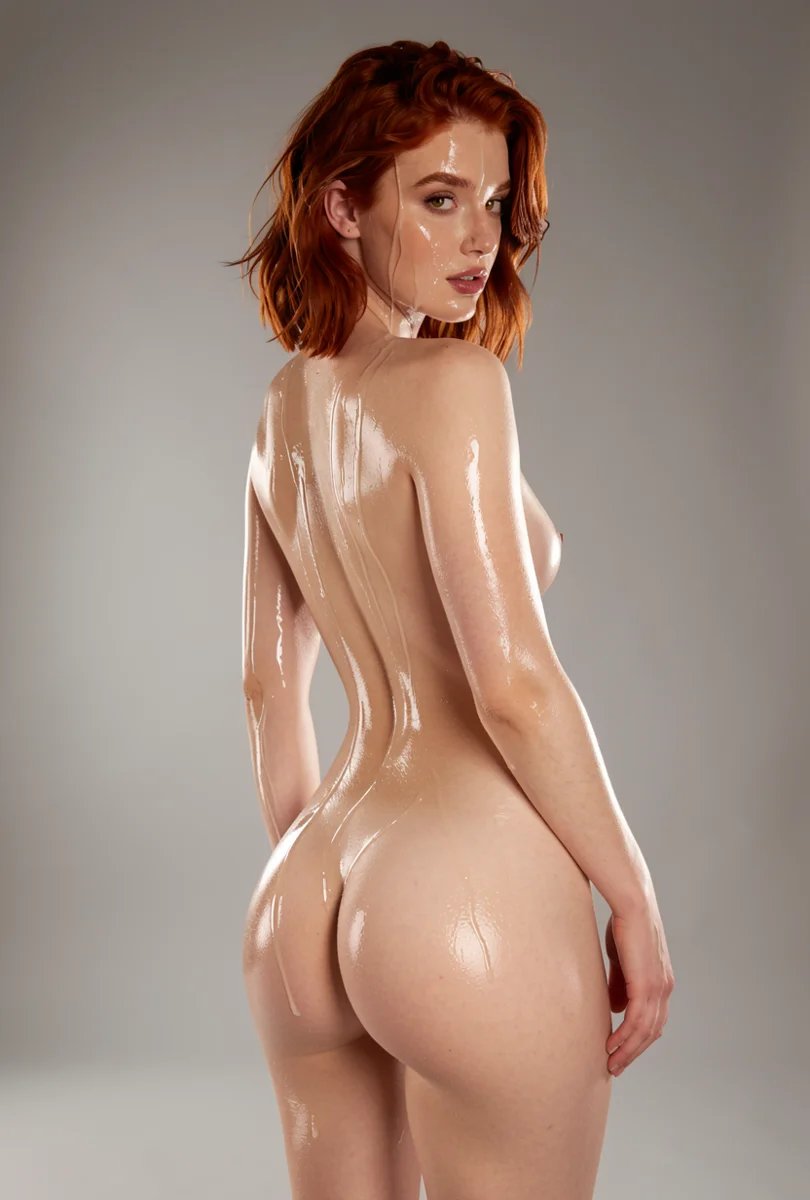
Run it with a sandbox key
Sandbox keys return example media and spend nothing. Switch to a live key when you are ready.