Guide · 5 min read
Edit a photo and keep the face
Pass image_url plus a prompt. The same foundation models as text to image.
When you send input.image_url with a foundation id such as goonify/flux2, the job is image to image. Prompt is required. You can pass input.character instead of image_url, not both.
identity_lock defaults to true. Optional seed and negative_prompt are on the same input object. Upload first with POST /v2/files if the source is not a public HTTPS URL.
A new still that follows your prompt and keeps the source identity.
Steps
- 1
Host the source photo or upload it with POST /v2/files.
- 2
POST /v2/jobs with goonify/flux2, prompt, and image_url.
- 3
Do not send image_url and character together.
- 4
Download output.url when the job completes.
Install the SDK
pip install "goonify @ git+https://github.com/Goonify/goonify.git#subdirectory=sdks/python"Modelgoonify/flux2
from goonify import Goonify

client = Goonify()

job = client.run(
    "goonify/flux2",
    input={
        "prompt": "same woman, golden hour lighting, film still",
        "image_url": "https://cdn.goonify.ai/examples/input.jpg",
    },
)
print(job.output["url"])
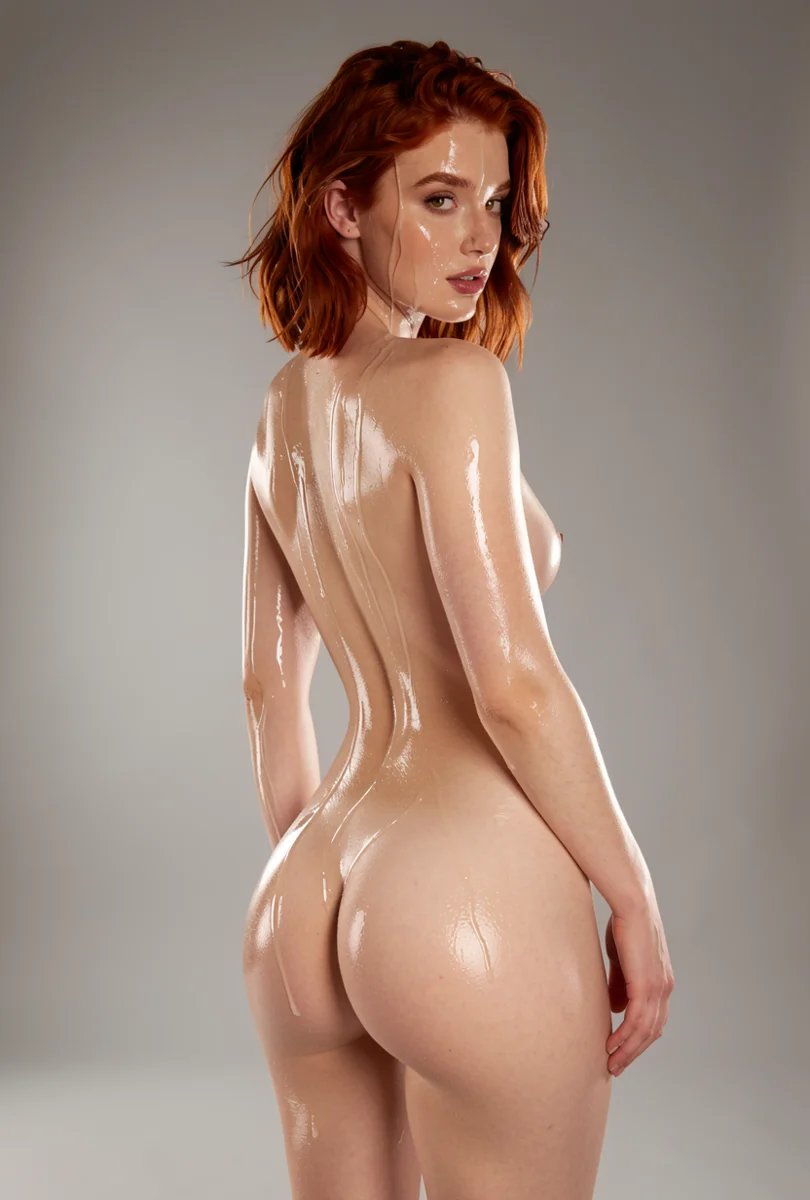
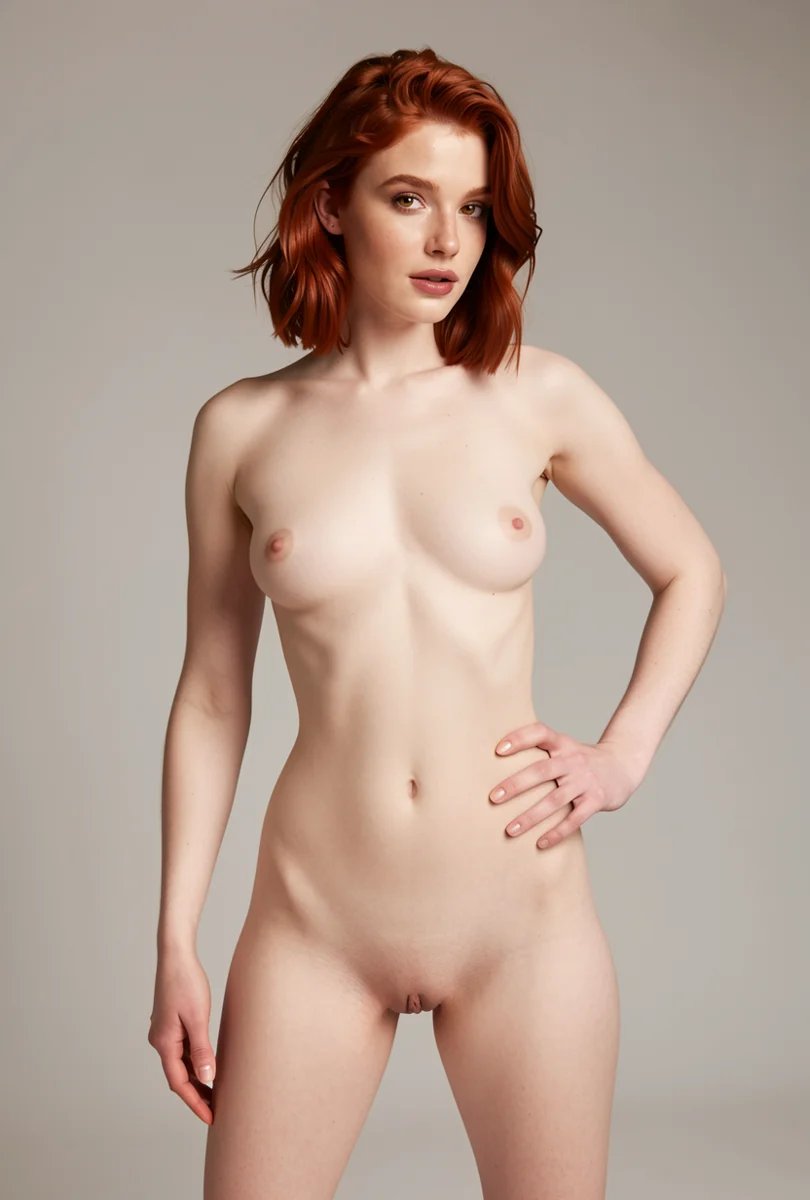
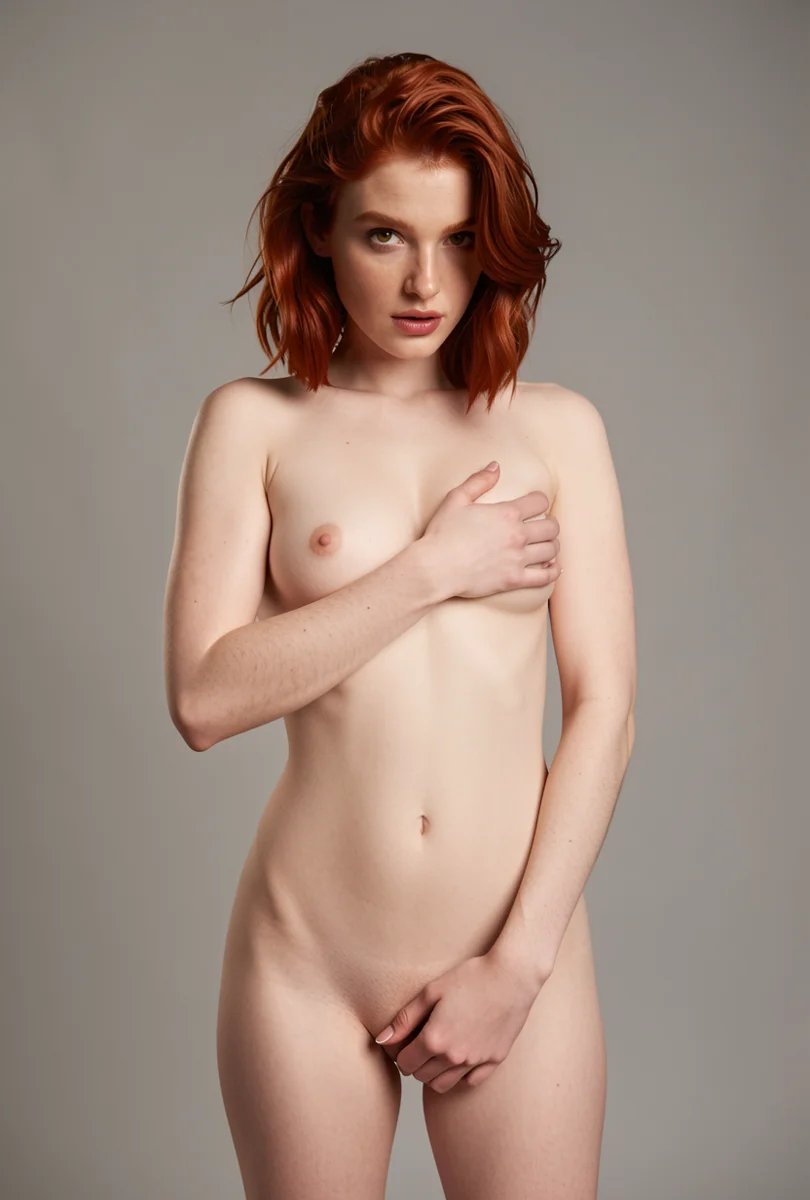
What it looks like
Run it with a sandbox key
Sandbox keys return example media and spend nothing. Switch to a live key when you are ready.