

All guides
Guide · 4 min read
Enhance an image with an API
Pass image_url to goonify/enhance. Get a sharper still back. List price is $0.03.
POST /v2/jobs with model goonify/enhance and input.image_url. Same job object as every other model. GET /v2/models lists it as live.
Video enhance is a separate id, goonify/enhance-video, and needs input.video_url. Estimate the charge first with POST /v2/models/{id}/estimate.
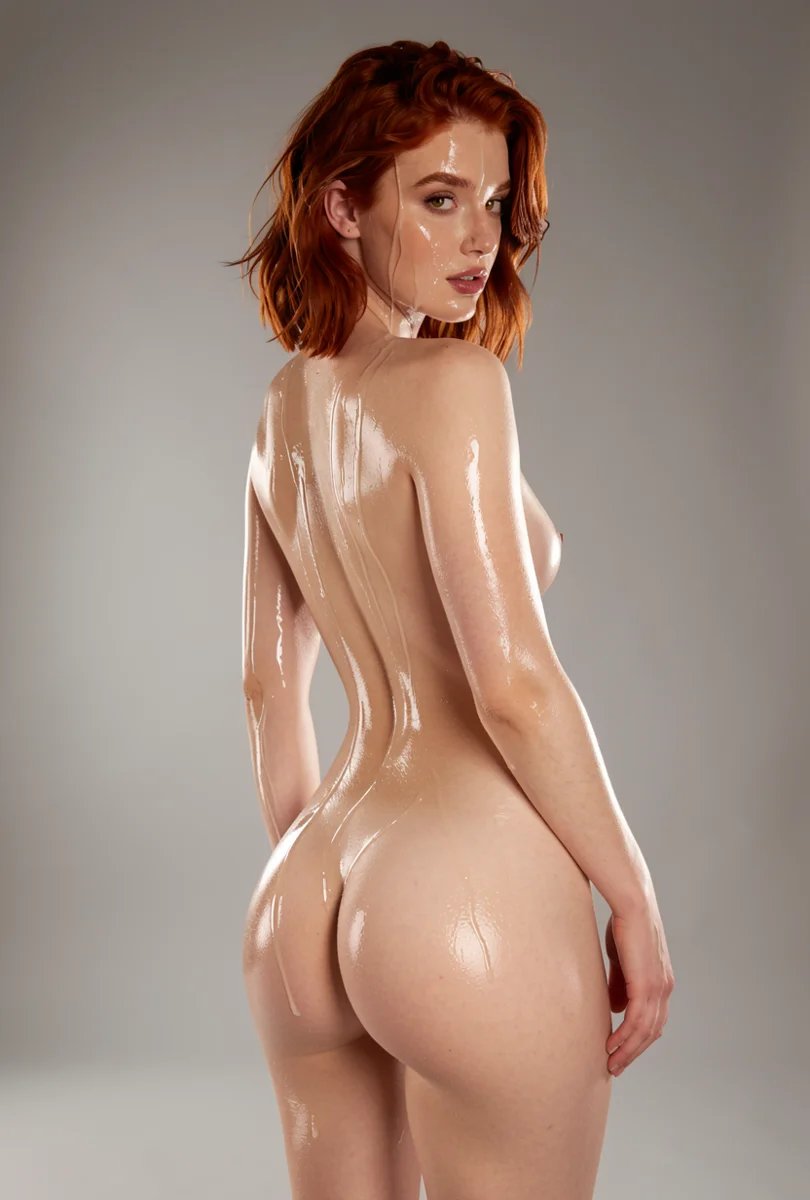
A higher-detail still on the CDN.
Steps
- 1
Estimate goonify/enhance if you want the charge first.
- 2
POST /v2/jobs with input.image_url.
- 3
Download the sharper still from output.url.
- 4
Use goonify/enhance-video and video_url for clips.
Install the SDK
pip install "goonify @ git+https://github.com/Goonify/goonify.git#subdirectory=sdks/python"Modelgoonify/enhance
from goonify import Goonify

client = Goonify()

job = client.run(
    "goonify/enhance",
    input={"image_url": "https://cdn.goonify.ai/examples/input.jpg"},
)
print(job.output["url"])
What it looks like


Run it with a sandbox key
Sandbox keys return example media and spend nothing. Switch to a live key when you are ready.